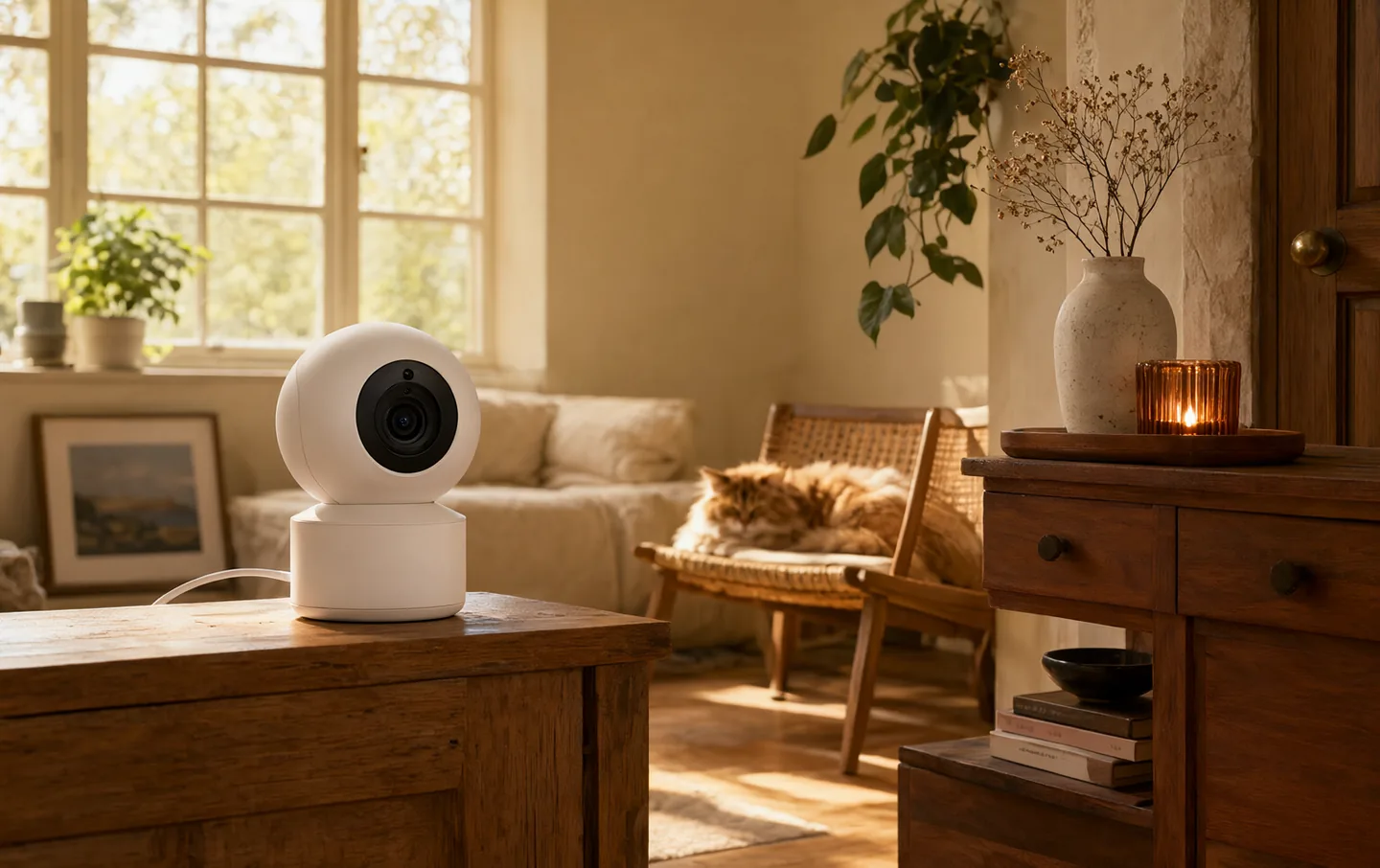
A pet camera is a window, not a babysitter. It can tell you whether the dog is asleep or pacing, whether the cat has knocked the plant over, and whether the back door is actually closed. It cannot treat separation anxiety, and a treat tossed across the room is enrichment, not training.
We looked at video quality, field of view, night vision, treat mechanisms, local storage, and the subscription each camera quietly depends on. The most useful camera is the one that stays connected and does not charge you monthly for the basics.
The short version#
The Furbo 360 is the most polished treat camera if you will pay for its subscription. The Petcube Bites 2 Lite does the same job with a simpler app. The Wyze Cam Pan v3 is the cheap way to watch a room, and the Eufy Pet Camera D605 is the one to buy if you refuse another monthly bill.
The short list#
Furbo 360° Dog Camera
The Furbo is the camera people recognise, and the hardware earns some of that attention. The 360 view covers a whole room, the night vision is usable, and the treat toss is fun for a dog who has learned the sound. The app is the clearest here.
The subscription is the catch. Without Furbo's Dog Nanny plan, you lose most smart alerts and cloud recordings; the camera becomes a live view with a treat button. Video is 1080p, fine for watching a dog and less fine for reading a label across the room. The hopper only takes small, dry biscuits. If you want a finished product and do not mind the monthly fee, this is it.
What works
- 360-degree view
- Treat toss works reliably
- Useful bark and activity alerts
- Well-designed app
What doesn't
- Most alerts require a subscription
- 1080p, not 2K
- Treat size is limited
- Needs a nearby outlet
Petcube Bites 2 Lite
The Bites 2 Lite is the current version of Petcube's treat-tossing camera, and it does the essentials well. The wide lens sees most of a living room, the treat mechanism throws further than the Furbo's, and setup is a standard QR-code routine.
It is not a 360 camera, so placement matters. Put it in a corner and you will have a blind spot. The chute can jam with irregular biscuits, and the app pushes its Care subscription for cloud history and alerts. The hardware feels less polished than the Furbo, but it is cheaper and the core job works.
What works
- Treat dispenser holds more than the Furbo
- Wide 160-degree view
- Simple setup
- Two-way audio is clear
What doesn't
- No 360 pan
- Subscription adds up
- Treats can jam
- App is less refined
Wyze Cam Pan v3
The Pan v3 is not a pet camera. It is a cheap security camera that happens to be excellent for watching a pet. The motorised head covers a room, the night vision is good for the price, and a microSD card gives continuous local recording without a cloud plan.
It cannot toss a treat. The app is busier than a pet-specific camera, and pet detection requires Cam Plus. Wyze has had security missteps, so treat the camera as a network device: unique password, two-factor authentication, latest firmware, and not pointed at anything you would not want leaked.
What works
- Very inexpensive
- 360 pan and tilt
- Local microSD recording
- Colour night vision
What doesn't
- No treat dispenser
- Smart alerts need a subscription
- Not pet-specific
- Privacy record is mixed
Eufy Pet Camera D605
The D605 is for someone who has decided that one subscription is enough. Video is sharp, the head pans across most of a room, and the treat dispenser works with small biscuits. Recordings go to 16GB of built-in storage, so there is no cloud account and no monthly bill.
The trade-off is flexibility. There is no cloud backup, so if the camera is destroyed or stolen, the footage goes with it. The app is functional rather than elegant, and smart-home integrations are limited. The treat limit is strict, so measure your dog's biscuits. If you want local storage and no recurring cost, this is the most sensible camera here.
What works
- 1080p video
- Wide panning view
- Treat dispenser
- 16GB local storage, no monthly fee
What doesn't
- No cloud backup
- Treat size is restricted
- App is basic
- Not compatible with Alexa or Google
What actually earns its place#
A reliable live view matters more than resolution. A 2K camera that drops its connection is worse than a 1080p camera that stays online. Look for stable Wi-Fi, good night vision, and an app that opens to the live feed without three taps.
A wide or rotating lens saves you from mounting three cameras. Two-way audio is useful for a quick word, but it can also confuse a dog who cannot see you. Local storage is the feature that keeps working when the internet does not.
Treat tossers are a nice extra, not a reason to buy. The mechanism is a small hopper and a spinning wheel; it jams, limits treat size, and empties quickly. If your dog is not food-motivated, pay less and skip it.
The subscription math#
Furbo, Petcube, and Wyze all sell subscriptions for cloud history and smart alerts. The annual cost can approach the price of a second camera. Eufy's D605 avoids the fee but gives up cloud backup.
Before you buy, decide what you need. Live viewing and motion alerts are often enough. If you want to review the last two weeks, cloud storage is convenient. If you want neither, buy a camera with a microSD slot.
Privacy and Wi-Fi#
A camera inside your home is a small television studio. Use a unique password, turn on two-factor authentication, and install firmware updates. Put the camera on a guest network if your router supports one. Avoid pointing it at a bedroom, bathroom, or anywhere a visitor would reasonably expect privacy.
Wi-Fi reliability is the most common complaint in owner reviews. Most of these cameras use 2.4GHz, which travels further through walls but is crowded. Put the camera within reasonable range of the router, and do not hide it behind a metal object. If the feed stutters, move the camera before you buy a new one.
The separation anxiety caveat#
A camera can show you that a dog is pacing, barking, or chewing the door frame. It cannot tell you why, and it cannot fix it. Watching can make things worse if you keep talking through the speaker or rushing home, because the dog learns that the camera predicts a disturbance.
If the footage shows real distress, talk to a vet or a qualified behaviourist. Separation anxiety is treatable, but the treatment is a gradual programme, not a gadget. A camera can help you measure whether the programme is working. It is not the programme.
Questions people actually ask#
Do pet cameras help with separation anxiety?#
They help you see it, not solve it. A camera is useful for monitoring and for checking whether a training plan is working. The treatment itself involves behaviour work, often with a professional. Do not buy a camera instead of getting help.
Do I need a subscription?#
Not always. Eufy's D605 includes local storage. Wyze works with a microSD card. Furbo and Petcube lean heavily on subscriptions for alerts and history. Check what the camera does without a plan before you compare prices.
Can I use a normal security camera instead?#
Yes, if you only want to watch. A security camera lacks a treat dispenser and pet-specific alerts, but it often has better local storage and a lower price. The Wyze Pan v3 is the obvious example. For most people, watching is the actual job.
The right camera answers the question you actually have: is the dog asleep, is the cat eating, is the door shut. Buy for that, and ignore the treat-toss videos.