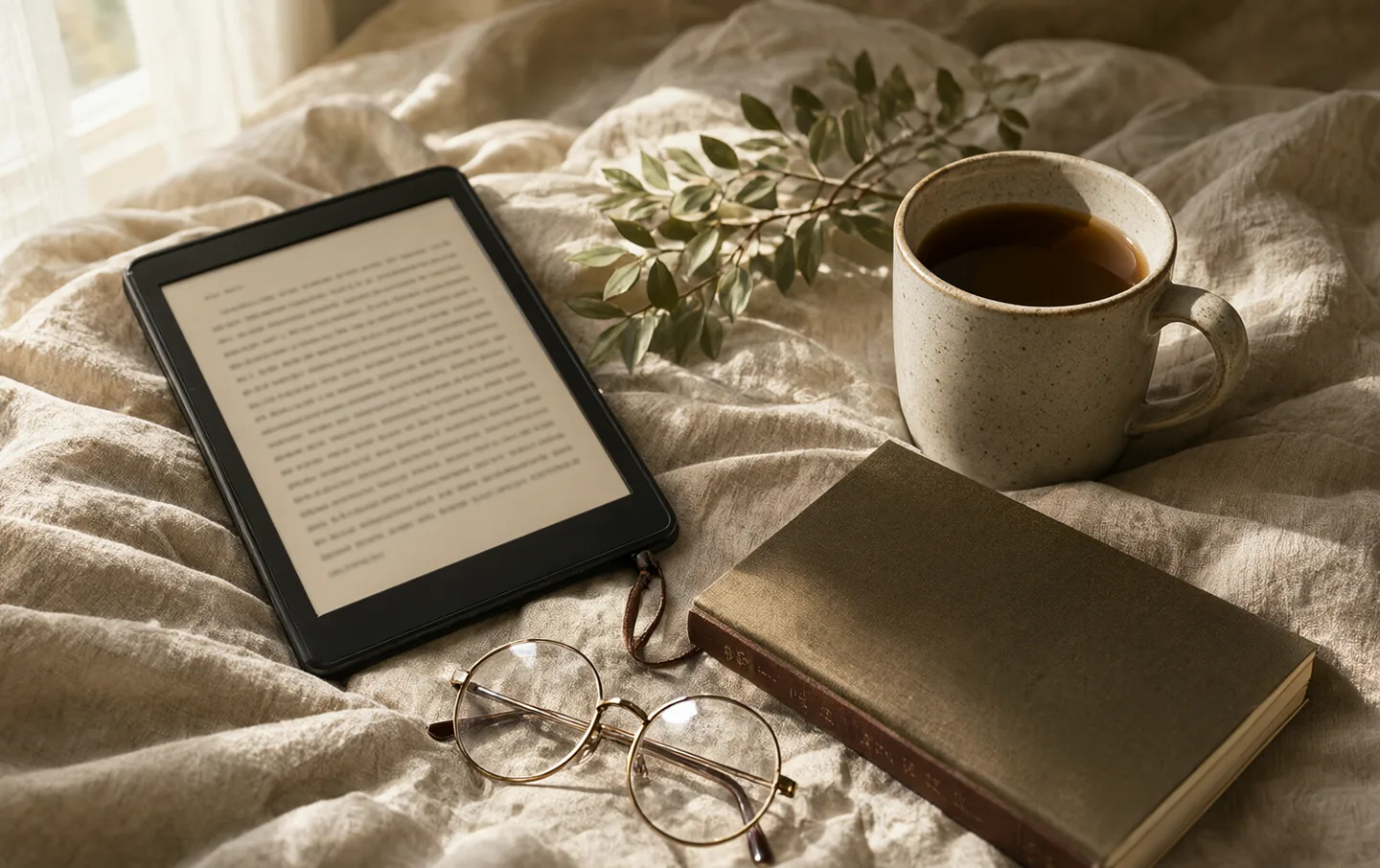
Reading on a phone is not the problem. Reading on a phone at 11pm, with notifications stacked on the lock screen and a bright rectangle two inches from your face, is the problem. An e-reader is not a better tablet. It is a device that does one thing, slowly, and that is most of the appeal.
We looked at screen sizes, front-light behavior, library borrowing, repairability, and the complaints owners keep making after the first month. No lab tests, no invented weeks of use. The question is which reader earns a spot on the nightstand.
The quick version#
For most people, the Kindle Paperwhite is the sensible buy: a sharp seven-inch screen, warm light, waterproofing, and access to the largest bookstore. The Kobo Libra Colour is the better choice if you borrow from a public library or want page-turn buttons. The Boox Palma 2 is for commuters who want a phone-shaped reader that runs every bookstore app. The plain Kindle is enough if you read in daylight and want to spend as little as possible.
The short list#
Amazon Kindle Paperwhite
Best for reading in bed, in the bath, and on holiday
The Paperwhite is the e-reader most people should start with, and the reasons are unglamorous. The seven-inch screen is sharp enough that text stops looking like pixels. The front light shifts warm at night, which matters more than specs suggest.
The compromise is the ecosystem. Amazon makes buying books easy, but it is still Amazon's store, and the lock-screen ads are a small daily tax unless you pay to remove them. There are no page-turn buttons either, so one-handed reading means lifting a thumb.
Buy it if you want the least fiddly path to a book. It is the reader we would hand to a friend who does not want a hobby.
What works
- Warm light is easy on the eyes at night
- IPX8 waterproofing for baths and pools
- Weeks of battery, even with the light on
- Huge bookstore and frequent discounts
What doesn't
- Tied to Amazon's store
- No physical page-turn buttons
- Lock-screen ads unless you pay to remove them
- Seven inches is awkward for PDFs
Kobo Libra Colour
Best for library borrowers and people who annotate
The Libra Colour is the reader for someone whose library card does the heavy lifting. OverDrive is built in, so borrowing a book takes a few taps instead of a trip through a desktop app. The asymmetric body puts the buttons under your thumb, which sounds minor until you read on your side.
The color screen is the headline, but it is not the reason to buy it. Covers and highlighted passages look good; comic panels are readable. Black text is softer than on a plain black-and-white reader because the color layer sits over the panel. If you only read novels, a black-and-white reader such as the Paperwhite will look crisper.
The stylus is extra, and the note-taking is basic. It is for underlining a sentence, not for replacing a notebook.
What works
- Built-in OverDrive and Libby borrowing
- Physical page-turn buttons
- Color covers and highlights
- Support for the Kobo Stylus 2
What doesn't
- Color layer lowers contrast and resolution
- Stylus sold separately
- Smaller bookstore than Amazon
- Kindle books will not open on it
Boox Palma 2
Best for commuters who want one hand and fewer distractions
The Palma 2 looks like a phone and reads like an e-reader. It runs Android, so you can install the Kindle app, the Kobo app, Libby, and almost anything else. That flexibility is the point: one small device for every bookstore, without the rest of your phone's demands.
It is not fast. Page turns are fine, apps load slowly, and the camera is best ignored. The plastic body does not feel as expensive as it is, and Onyx's record on long-term software updates is not reassuring.
If you commute with a bag and read in short bursts, the size is a genuine pleasure. If you mostly read at home, a larger screen is kinder.
What works
- Pocketable 6.13-inch screen
- Runs Kindle, Kobo, and Libby apps
- Days of battery for an Android device
- No cellular radio, so it stays a reader
What doesn't
- Slow compared with a phone
- Plastic body feels less durable than it costs
- Android updates are limited
- Expensive as a second device
Amazon Kindle
Best for a first reader, a spare, or a bag you do not want to worry about
The entry Kindle is the one to buy when you are not sure the habit will stick. It has the same crisp 300ppi text as the Paperwhite in a smaller, lighter body. The screen is not warm, and it is not waterproof, so it is a daylight reader rather than a bath reader.
Those two omissions are the whole argument for spending more. If you read in bed with the lights off, the Paperwhite's warm light is worth the difference. If you read on the train home while it is still light, this Kindle does the job and disappears into a pocket.
What works
- Light and small enough for a coat pocket
- Same 300ppi sharpness as pricier Kindles
- Cheap enough to leave in a bag
- Weeks of battery
What doesn't
- No warm light
- Not waterproof
- No page-turn buttons
- Lock-screen ads by default
What actually changes the experience#
Screen size. Six inches fits a coat pocket and forces you to turn pages more often. Seven inches is the comfortable middle for novels and biography. Ten inches is for PDFs, textbooks, and sheet music, and it stops being a one-hand device.
Warm light. This is not a wellness gimmick. A warm front light at low brightness is easier to read under at night, and it bothers a sleeping partner less than a phone. Almost every reader above the entry level has it.
Waterproofing. IPX8 means a bath, a pool, or a rainy commute is fine. It does not mean steam, salt water left to dry, or a reader dropped in the sea. Rinse and dry it if it happens.
Buttons. A physical page-turn button is the feature people miss most when they move to a cheaper model. It matters if you read one-handed or on your side.
The library. In the US, Libby can send borrowed books to a Kindle. Kobo has OverDrive built in. The Palma runs the Libby app. Check your local library's support before you choose a store.
Stylus support. Only pay for it if you annotate. Writing on e-ink feels like writing with a slightly slippery pencil, not like an iPad. The Libra Colour supports a stylus; the standard Palma 2 does not.
The case against upgrading#
If you already own a working e-reader, the improvements are incremental. A slightly larger screen, a warmer light, and a faster processor do not change what you read. A new battery can be replaced on some models, and a scratched screen is the only thing that usually kills one.
The exception is a reader that has become too slow to use or has lost access to your library. At that point, buy the current model and pass the old one on. E-readers are one of the few gadgets that age gracefully.
Questions people actually ask#
Can I borrow library books on a Kindle?#
In the US, yes: Libby can send library loans to a Kindle, and they appear alongside purchased books. Support outside the US is patchy. Kobo's built-in OverDrive integration is more consistent across countries, and the Palma can run the Libby app like any other Android app.
Is a color screen worth it?#
Only if you read comics, illustrated books, or want color covers and highlights. Color E Ink is dimmer and less sharp than a black-and-white panel, especially for small text. For novels, a standard screen is the better reading experience and usually cheaper.
Do I need a stylus?#
Only if you take notes in the margin or sketch. The stylus is extra on the Libra Colour, and the writing area is small. If notes are the main event, a larger tablet with a pen is a better tool.
An e-reader earns its place by being the easiest thing to pick up when you are tired. Buy the screen size you will actually hold, the light you will actually use, and the store that matches where your books already live.